



Audio Enhancer AI –
Enhance Audio Quality Online
AI audio enhancer and video voice enhancer for clean, professional-quality sound instantly
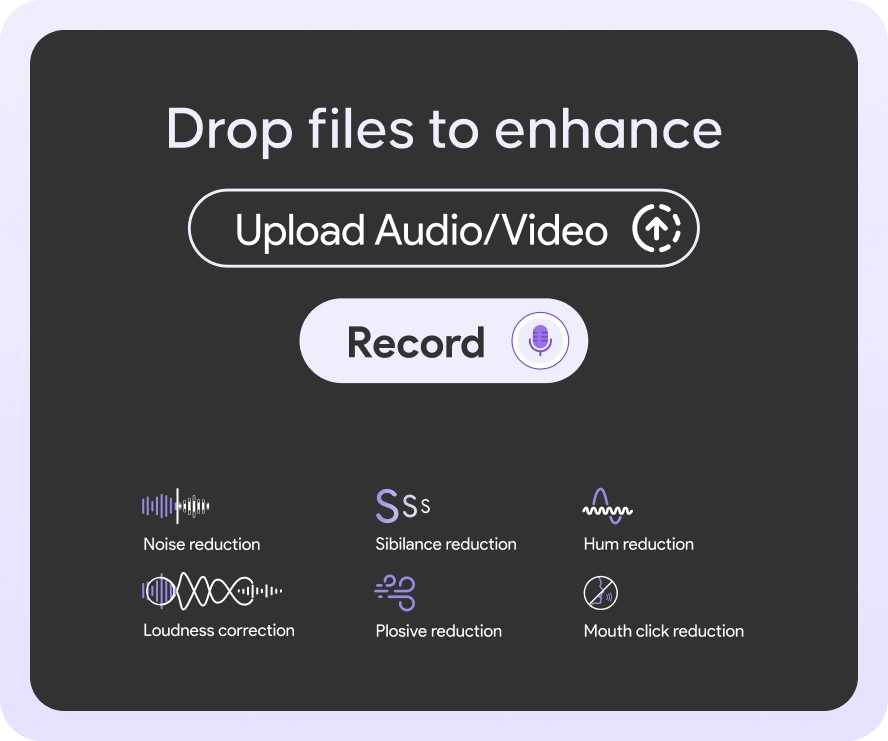
- Noise Remover
- Echo Remover
- Hum Reduction
- Fix Loudness
- Sibilance Reduction
- Mouth Click Reduction


AUDIO
.aac · .aif · .aiff · .aifc · .alac · .amr · .caf · .flac · .m4a · .m4b · .m4p · .m4r · .mp3 · .oga · .ogg · .opus · .wav · .wma
VIDEO PRO
.3gp · .avi · .flv · .m4v · .mkv · .mov · .mp4 · .mpeg · .mpg · .qt · .ts · .vob · .webm · .wmv
Free: 3 credits a day, 5 min each
Upload
Record
Drag & drop your audio anywhere in this box
3 OF 3 CREDITS LEFT TODAY
1 audio = 5 min
MAX 5 MIN PER AUDIO
VIDEO + BATCH WITH PREMIUM
Pause
Resume
Stop Recording
00:00
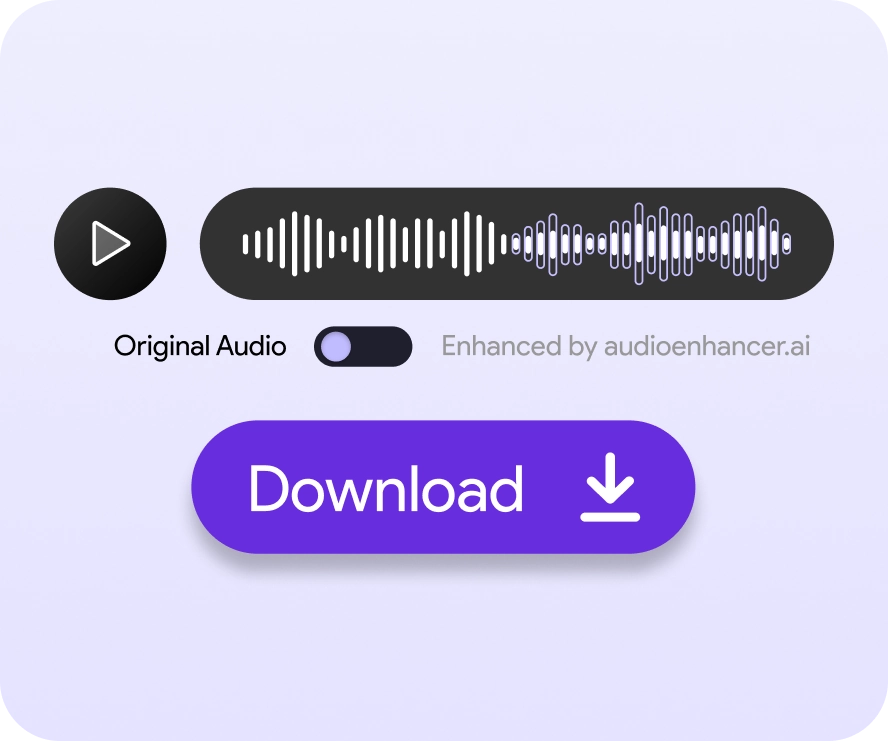
Hear the difference
One real recording, before and after.
BEFORE
Wind + traffic noise
0:000:06
+ AI ENHANCED
AFTER
Voice evened
0:000:06
- UPLOAD
- ENHANCE
- DOWNLOAD
ONE QUICK THING FIRST
WE CAN'T HEAR YOU YET
Your browser blocked the microphone. Click the lock icon in the address bar, set Microphone to "Allow", then try again.
WE'RE LISTENING…
0:00
⏱ 30 SECONDS LEFT ON THE FREE PLAN,
HAPPY WITH YOUR TAKE?
0:00/ 0:00
WOW, YOU'RE ON A ROLL!
YOU'VE USED ALL 3 FREE CREDITS TODAY
Your free credits reset at midnight. Or go Premium right now and keep going, with more minutes and longer files.
RESETS AT MIDNIGHT
THAT'S A BIG ONE!
OVER THE FREE LIMIT
HMM, THAT'S NOT AUDIO
NOT SUPPORTED
No harm done! We work with audio and video files. Export or convert your recording to one of these and drop it back in:
AUDIO
.MP3
.WAV
.M4A
.FLAC
.OGG
.AAC
.AIFF
.ALAC
.OPUS
.WMA
.AMR
.CAF
VIDEO · PREMIUM
.MP4
.MOV
.MKV
.WEBM
.AVI
.M4V
.MPEG
.3GP
.FLV
.TS
and 10 more, 32 formats in total
NICE VIDEO!
VIDEO ENHANCEMENT IS A PREMIUM FEATURE
Upgrade to Premium to enhance the sound of your videos, then upload this file again.
We clean up the audio track, your picture stays exactly as it is.
YOU'RE IN LINE…
#10 IN THE QUEUE
Basic & free files wait in line, Premium files go straight to the front
While you wait, we already listened: foundbackground noise and room echo, your fixes are pre-loaded and ready to run the second it's your turn.
SIT TIGHT, MAGIC IN PROGRESS
Uploading your file…
0%
- Uploading your file
- Analysing audio
- Enhancing
- Finalising
Your audio is ready
0:00/ 0:00
PLAYING ENHANCED
release to switch back
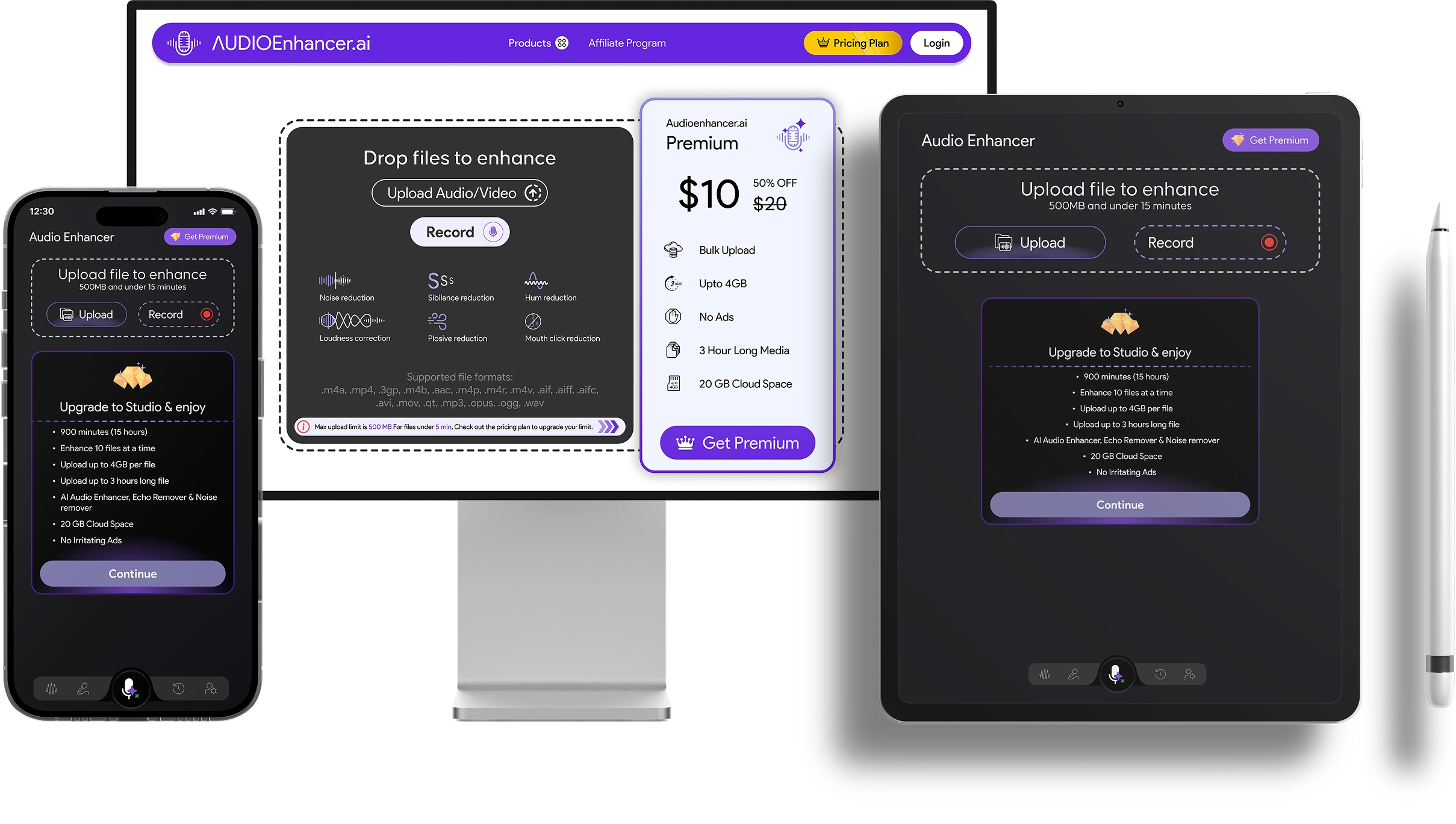
AUDIOENHANCER PREMIUM
$14.99per month
Billed monthly
- Enhance video files as well as audio
- Unlimited minutes
- 3 files at once
- 1 GB file size
- 2 h long files
- 10 GB space
- No ads, ad-free
Log in to get Premium
Secure checkout
Compare all plans